


Your photos
Immich instead of a cloud photo service
Phone backup, albums and face search, with the originals on your own disk.
Ilexarium makes running your own home server easy enough for anyone, and faster for those who already know how.
curl -fsSL https://ilexarium.com/get-ilex.sh -o get-ilex.sh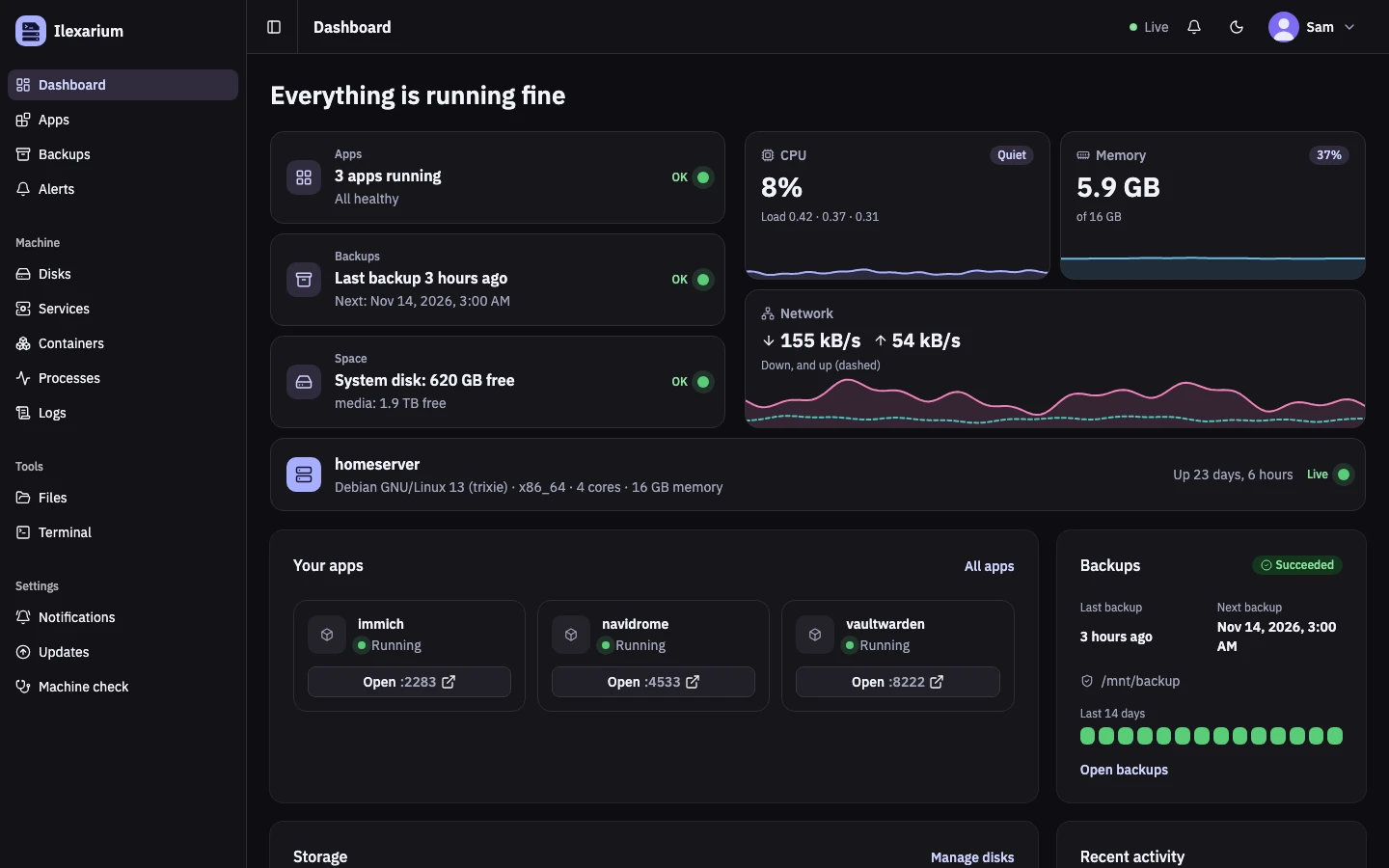
U2Get Ilexarium
One script, on the Linux machine you already have. It checks the release’s signature before anything runs, and asks before it installs anything.
The installer as a file — not piped into bash.
It’s short, and yours to check.
Signed releases only. Updates come the same way.
Runs on Debian 12 · 13Ubuntu 26.04Arch Linuxamd64 · arm64
Read the install guidecurl -fsSL https://ilexarium.com/get-ilex.sh -o get-ilex.sh
less get-ilex.sh
bash get-ilex.sh
Checking the latest release at https://ilexarium.com/releases
Downloading Ilexarium 0.1.4
==> Checking this machine
==> Installing the release
==> Starting the app
==> Ilexarium 0.1.4 is running
It listens on http://127.0.0.1:3000.
U3Why run your own
When your photos live on someone else’s server, you have to trust them: their prices, their rules, their decision to keep your account open. On your own machine, you don’t have to trust anyone’s promise.
Your photos
Phone backup, albums and face search, with the originals on your own disk.
Your music
Streams the music you already own, in the browser or a phone app. It has no catalogue of its own.
Away from home? How you reach your server is your choice. See the ways to do it.
The honest part: now the backups are your job too. That’s what Ilexarium is for.
U4For everyone
New to servers or years into Linux: Ilexarium does the work you don’t want to do, and doesn’t manage the rest.
U5One click instead
Updates, backups, logs, freeing space: each one click away. When you want full control, the terminal is still there.
U6While you sleep
Installing an app is the easy part. Ilexarium is built for what comes after: keeping it running and your data safe.
Every app and your photos, encrypted with Borg to the USB disk. Run by the system, even if Ilexarium isn’t.
borg · 41.2 GB · 4 min/data passes 90 %. Ilexarium notices.
/data · 91 %By ntfy or email: what happened and where — never your data.
ntfy · home-serverUnused images removed, 18 GB free again. Nothing changed until you said so.
/data · 73 %U7Its promises
Your Linux password unlocks sudo until 15 minutes after its last use. The password itself is never stored, never logged.
Changes to the machine run as you: your account, your sudo. Ilexarium itself may only start and stop containers and remove unused Docker data.
Updates and fixes are offered, ready in one click — and you confirm every one.
No account with us, no cloud, no telemetry. The one thing it fetches on its own is the daily check for a new release.
U8The name
Our day starts with yerba mate, and it kept us company through every hour of building Ilexarium. Its plant is called Ilex, and the name grew from there.
Ilex · -arium → Ilexarium